The Psychology of Color in Design: What You Need to Know
Color Psychology in Practice: Applying It to App Design
Color psychology is often discussed abstractly — "blue means trust, red means urgency" — but the more useful question for app design specifically is how color choices actually affect usability and engagement in a real product, not just brand perception.
Dark Mode Isn't Just Aesthetic Preference
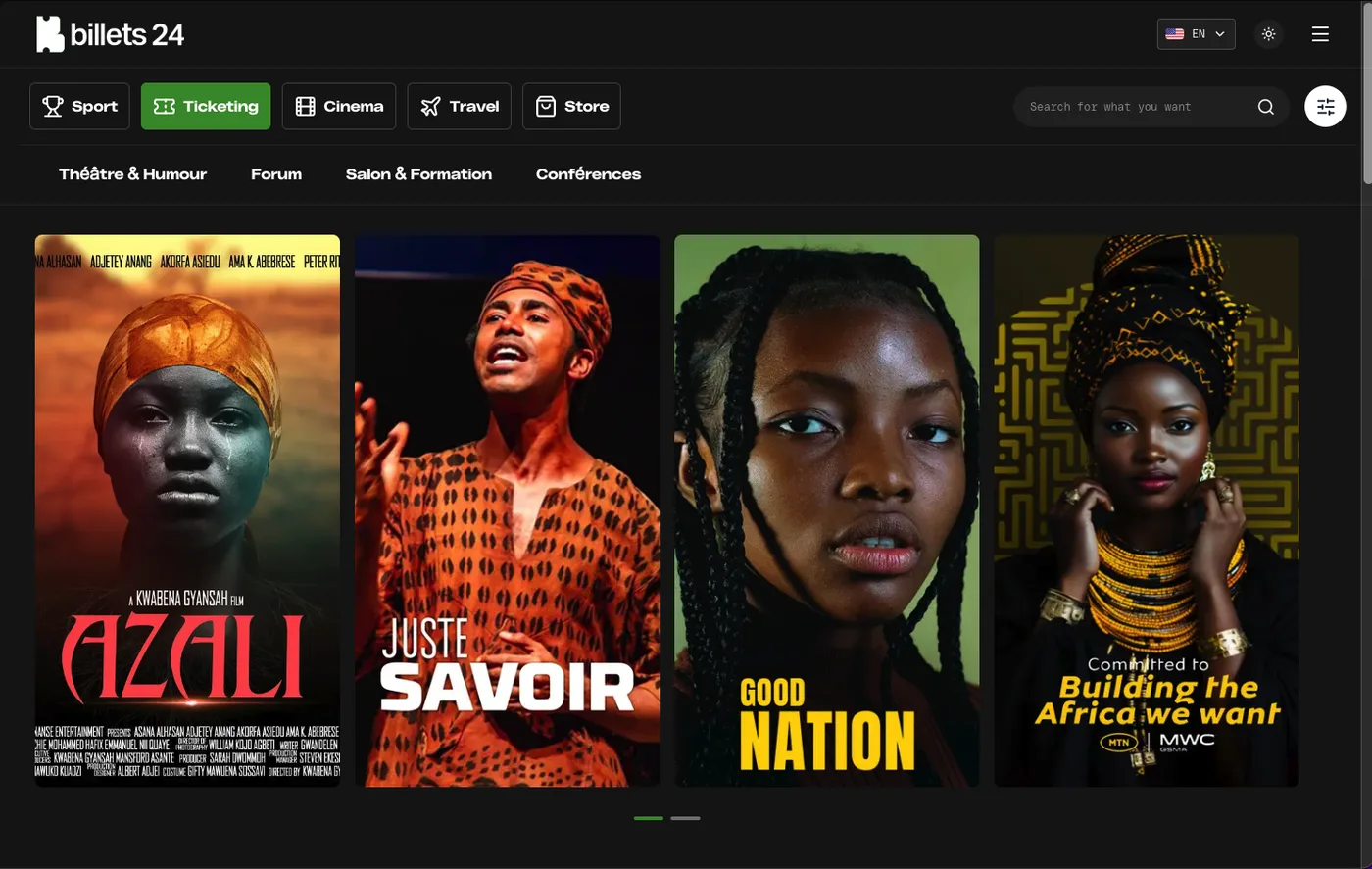
Dark themes (a near-universal feature across the sports and IPTV apps covered elsewhere on this blog) aren't purely a stylistic choice — they reduce eye strain in low-light viewing conditions, which matters concretely for apps used during evening sports viewing or late-night streaming sessions. The color psychology angle here is practical, not just emotional: a dark UI with a bright accent color (as most sports livescore apps use) draws attention to the specific elements that matter — the live score, the active match — against a low-stimulation background.
Accent Color and Attention Direction
A single, consistent accent color used sparingly (for primary actions, live/active states, and key data points) does real functional work beyond branding — it directs the eye to what matters most on a screen without requiring the user to read every element. This is why sports and livescore apps consistently use one bright accent (often red, orange, or green — colors associated with "live" or "active" states) against a dark or neutral base, rather than a colorful UI throughout.
Color as a Status Signal
In data-dense apps (livescore, IPTV, e-commerce dashboards), color frequently encodes status — green for available/live/success, red for stopped/error/sold-out, amber for pending/warning. This convention is strong enough across products that deviating from it (using red for "success," for example) genuinely confuses users regardless of how aesthetically considered the choice is. Functional color conventions should generally override pure brand-color preference when they conflict.
Practical Application for a Sports/Streaming App
- Dark base + one bright accent — matches both the eye-strain-reduction goal and the attention-direction goal in one choice.
- Reserve red/green for actual status (live/ended, in stock/out of stock) rather than using them decoratively elsewhere in the UI, so the signal stays meaningful.
- Test contrast, not just aesthetics — a color choice that looks good in a design mockup can still fail real accessibility contrast requirements against a dark background; verify actual contrast ratios, not just visual impression.
Conclusion
Color psychology in app design is most useful applied practically — dark themes for genuine viewing-condition reasons, one consistent accent for attention direction, and color-as-status conventions that users already expect from other apps — rather than treated as abstract branding theory disconnected from how the interface actually gets used.